Nebula Writer LogoNebula Writer
FeaturesPricingAboutDocs
Sign In

Documentation

Getting Started

Quick Start

Core Concepts

Core Concepts

Guides

Core FeaturesAI AssistantLaTeX & Academic WritingDOCX Editing

Reference

Reference

Troubleshooting

Troubleshooting

Documentation

Nebula Writer Docs

Learn the core workflows, understand key concepts, and get the most out of Nebula Writer. Start with Quick Start, then move through the guides and reference pages.

Getting Started

Quick Start

Install, open a folder, and write your first document.

Core Concepts

Core Concepts

Understand folders, local-first storage, and AI context.

Guides

Core Features

A complete overview of Nebula Writer capabilities.

AI Assistant

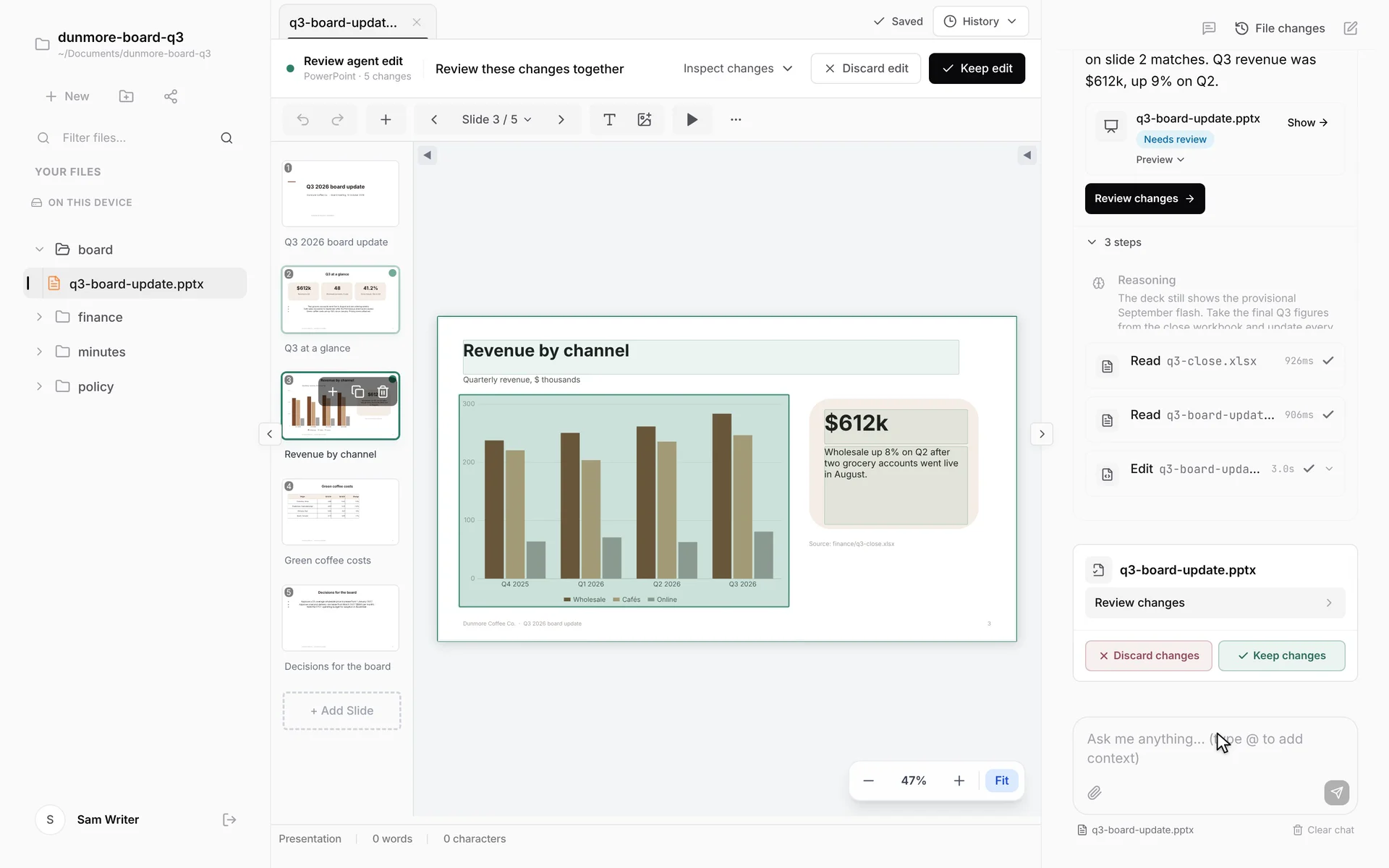
Prompting, diff review, and multi-step workflows.

LaTeX & Academic Writing

Compilation, citations, and academic workflows.

DOCX Editing

Edit Word documents while preserving formatting.

Reference

Reference

Shortcuts, formats, and supported workflows.

Troubleshooting

Troubleshooting

Common issues and quick fixes.

Nebula Writer

AI-native desktop writing studio for researchers, authors, students, and professionals. A desktop writing studio for everyone.

Product

  • Features
  • Pricing
  • Download

Company

  • About
  • Privacy
  • Terms

© 2025 Nebula Writer. All rights reserved.